 GitHub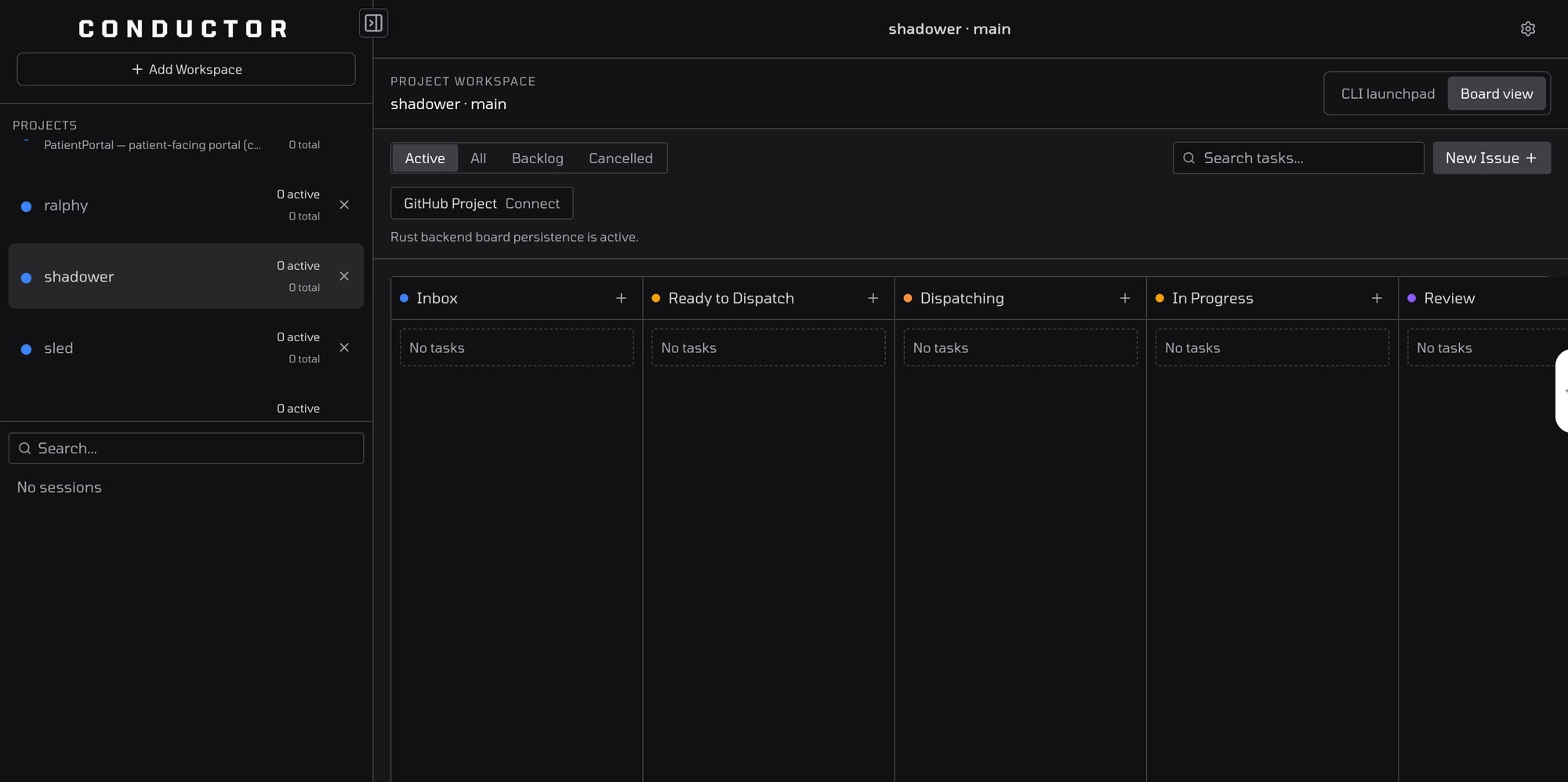
GitHub★ 33Open the app.


Open the app.
Pair one machine. Keep working from the web.
Conductor is app-first now. Open app.conductross.com, create an account or sign in, connect the machine that should run your agents, then manage work from any browser while execution stays on that paired machine.
10 built-in agents
1. PLAN2. PROMPT3. REVIEW
RB
Rust Backend
Native performance engine
“A compiled Rust binary handles file watching, SQLite state, agent spawning, and the API. Sub-second startup, native binaries for macOS, Linux, and Windows.”
BW
Board Watcher
Markdown-native intake
“Tasks live in CONDUCTOR.md. Move a tagged card to Ready to Dispatch and the Rust watcher picks it up instantly.”
SM
Session Manager
Local runtime isolation
“Each task runs in a tmux session with local branch or git worktree isolation, so parallel work stays reproducible.”
M+
MCP + Webhooks
External triggers
“Dispatch tasks via MCP tools or GitHub webhooks without leaving your existing workflow. HMAC-SHA256 signed.”
Built for the real Conductor OSS workflow
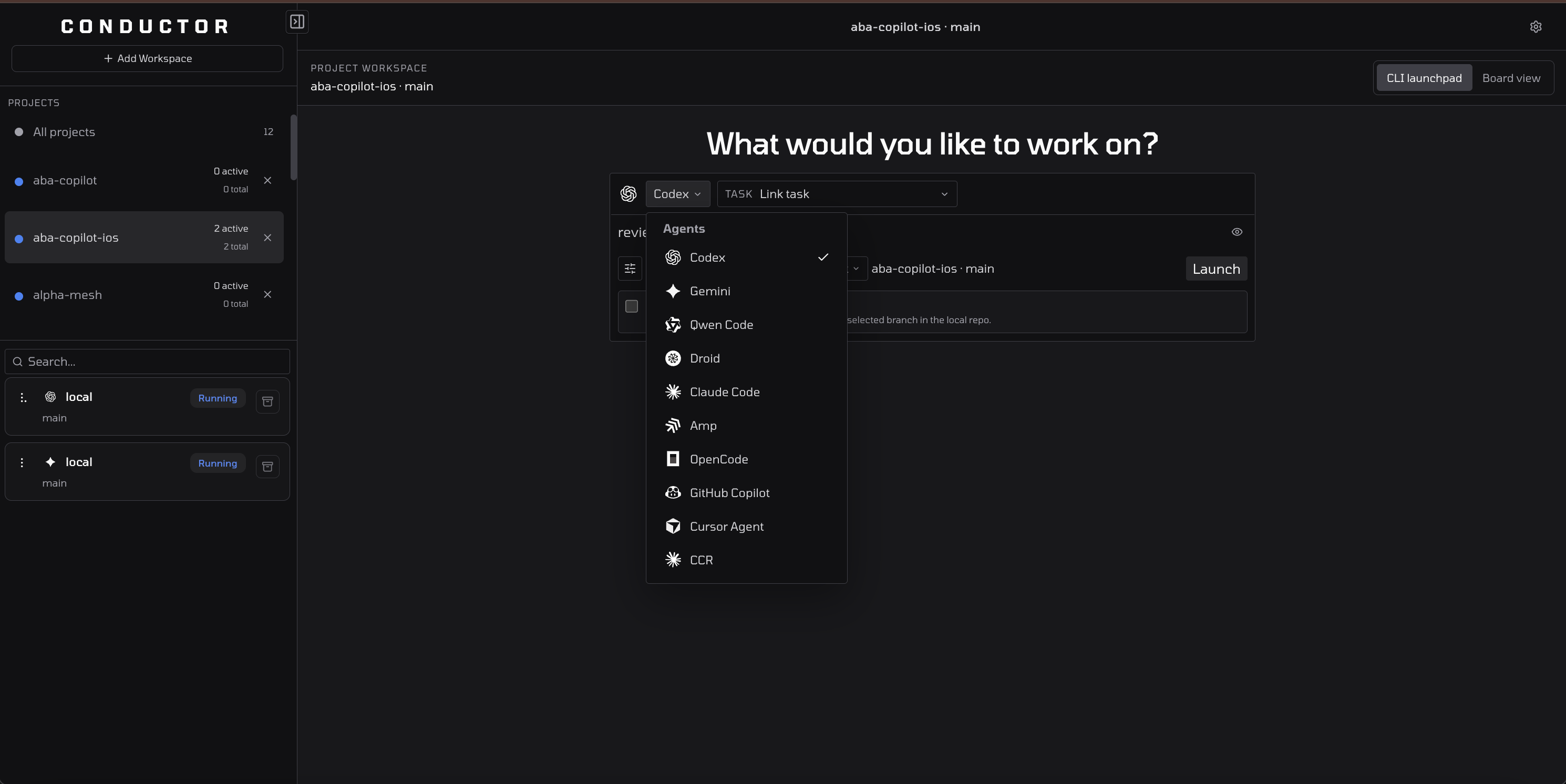
Switch between built-in coding agents
Claude Code, Codex, Gemini, Amp, Cursor CLI, OpenCode, Droid, Qwen Code, CC Router, and GitHub Copilot.
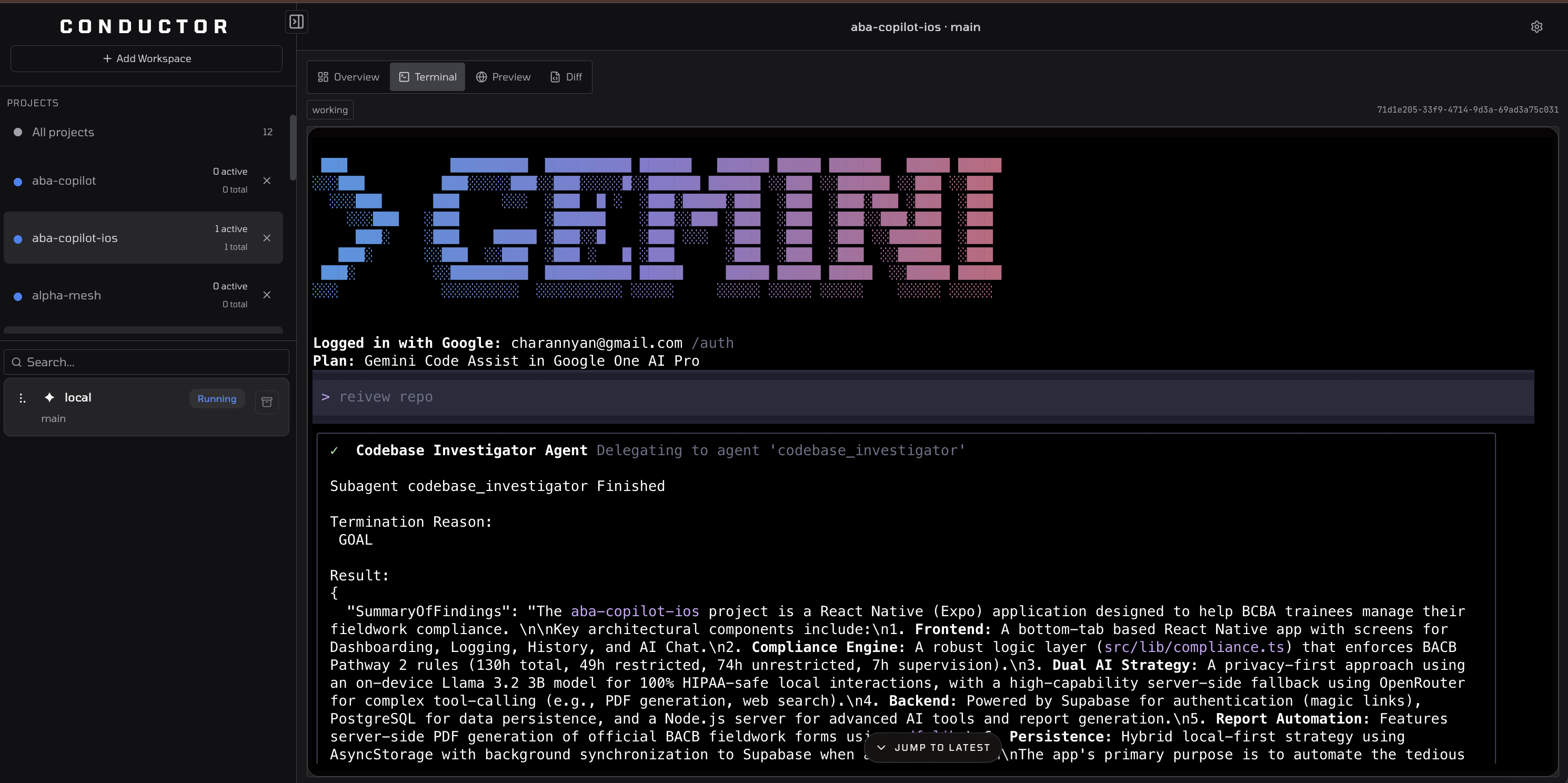
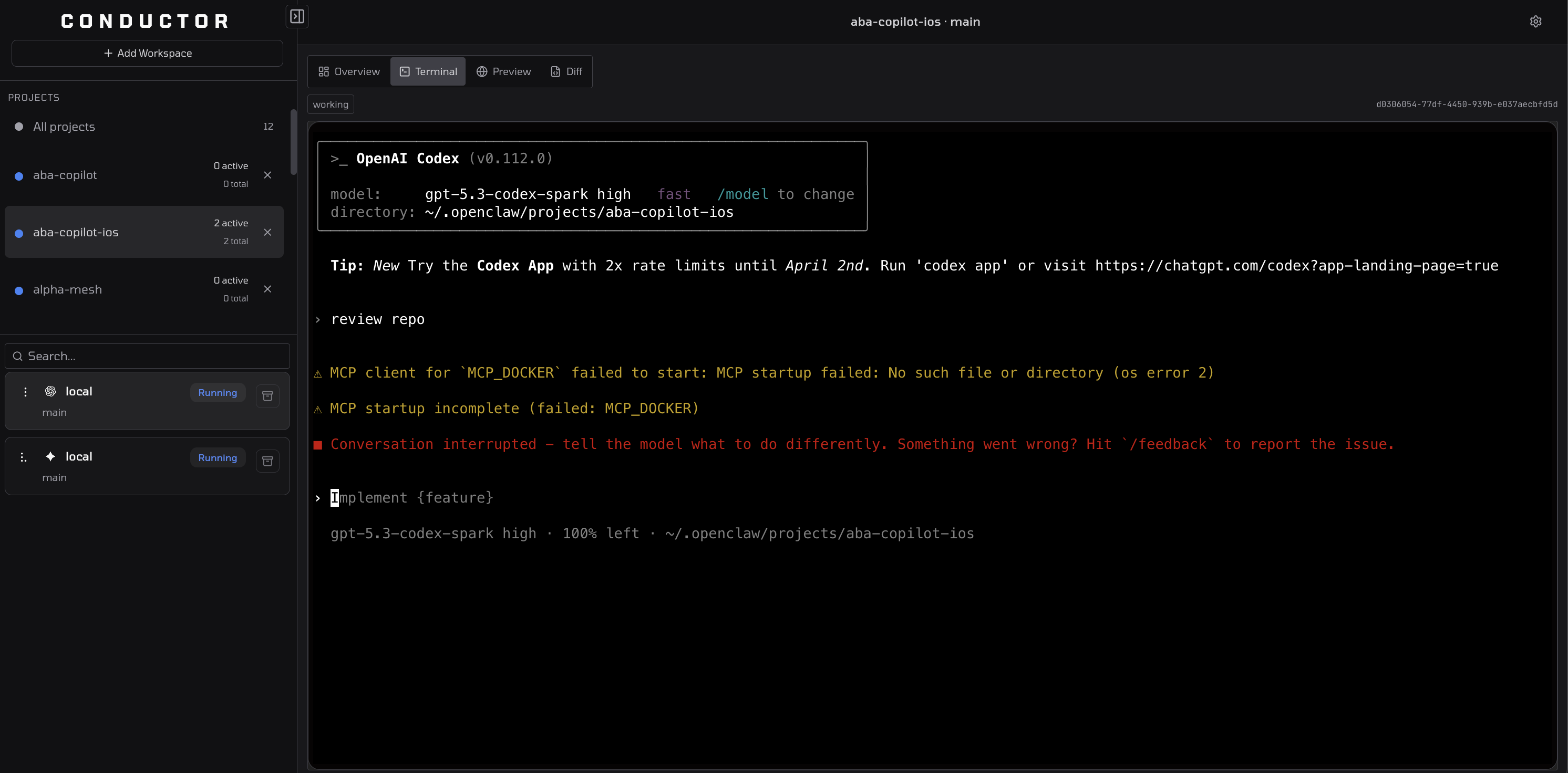
Run native agent terminals in parallel
Conductor does not fake the agent UI. Claude Code, Codex, Gemini, and the rest run in their native terminal surfaces while the dashboard handles routing, session state, and review flow around them.
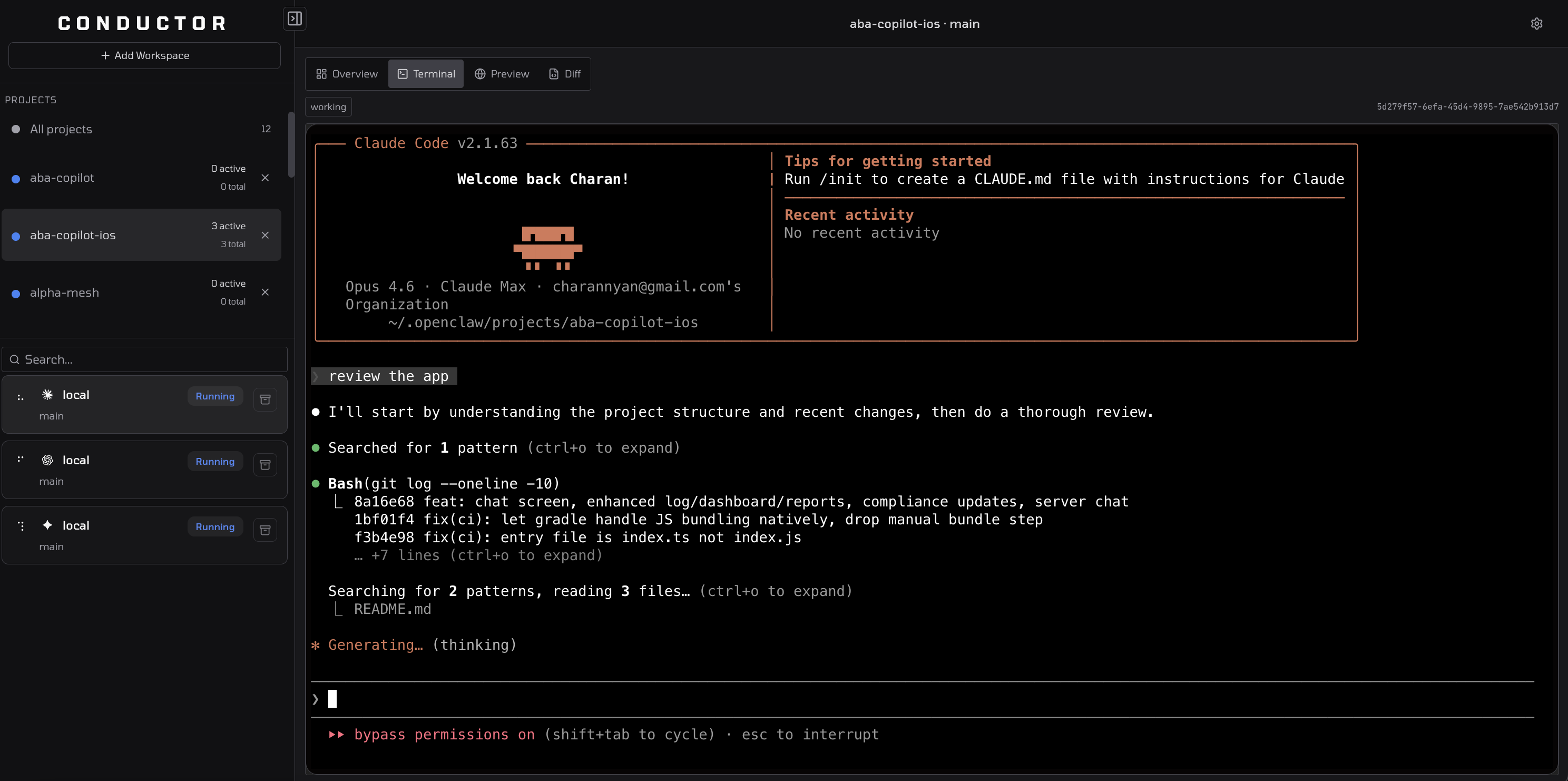
Codex and Gemini stay real too
The same pattern applies across agents. Conductor launches the real Codex and Gemini CLIs, keeps their native terminal behavior, and layers workflow orchestration around them.
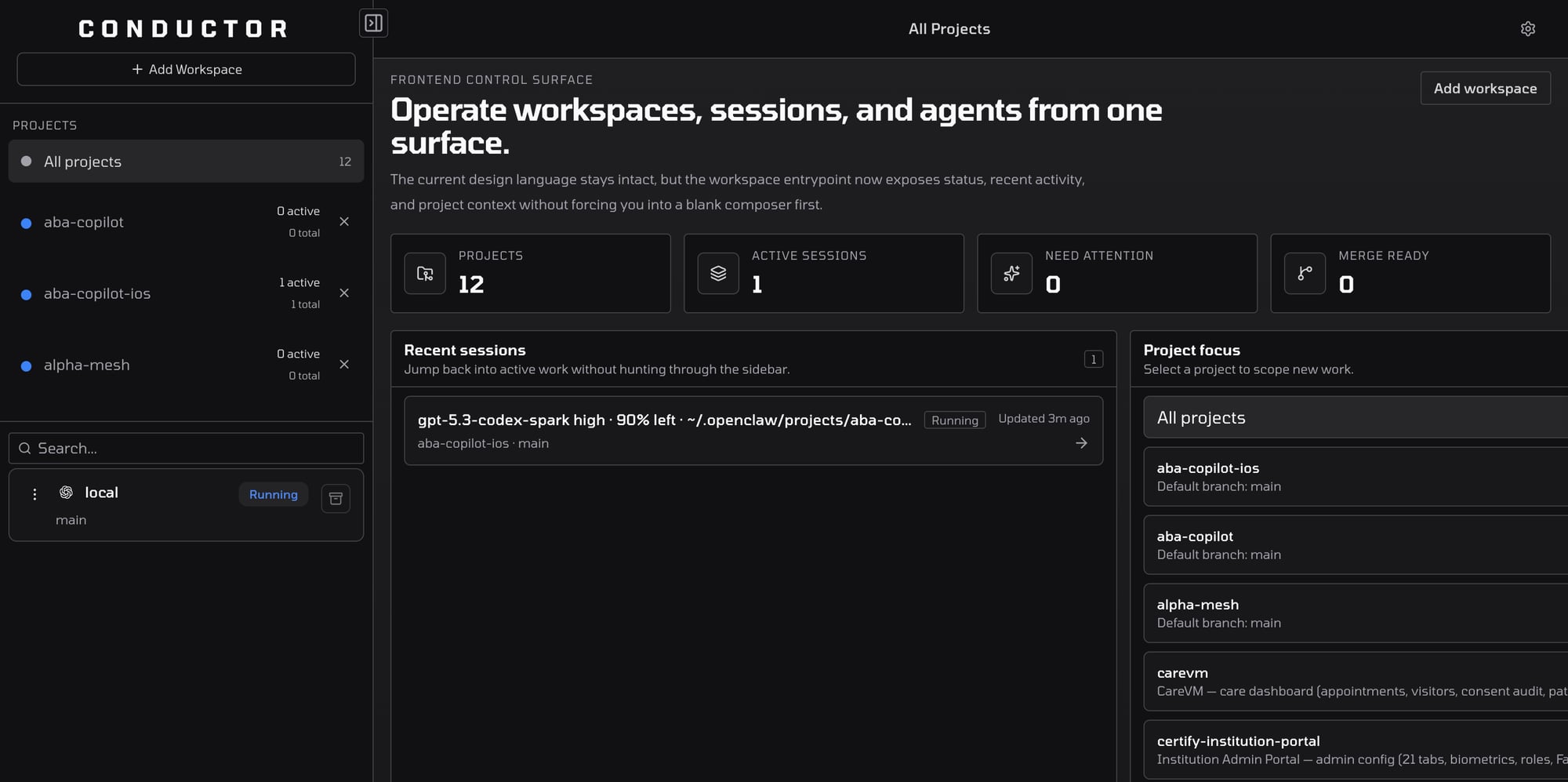
All projects, one command center
Monitor every project, see active sessions at a glance, and jump straight into the repo or runtime that needs attention without losing the local-first workflow.
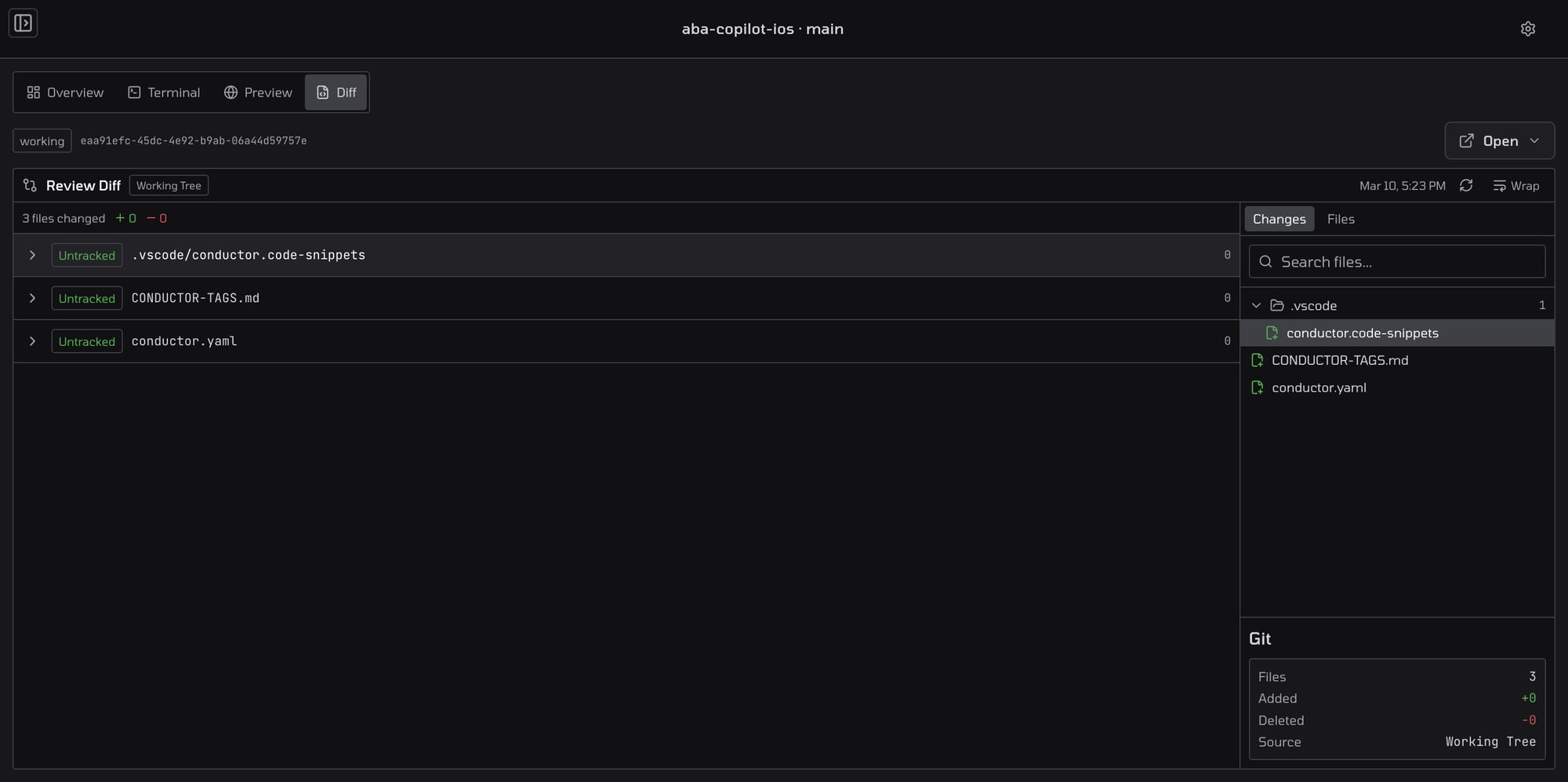
Review diffs before merge
Inspect changed files, review summaries, and session output from the same surface so PR approval feels like part of the agent workflow, not a separate tool hop.
Product Surface
Jump straight to the public surfaces that matter
The website should point you at the live app first, then make it easy to jump into docs, integrations, use cases, and release visibility once the product surface is already clear.
Portal
Create Account
Go straight to the live portal, create an account or sign in, pair one machine, and start from the real product surface.
Open page
Reference
Docs
Open the docs, reference flows, and built-in agent guides after the app is already open.
Open page
Surface
Integrations
See the repo, runtime, MCP, editor, and webhook surfaces Conductor actually connects.
Open page
Fit
Use Cases
Evaluate where Conductor fits across maintainer, product, consultancy, and platform workflows.
Open page
Updates
Release Notes
Track the public release feed and verify what is actually shipping in conductor-oss.
Open page
Start here
Open the production app first, create an account or sign in, and pair the machine that should run your work. After that, add your workspace from the browser and keep using Conductor from any browser while execution stays on the paired device.
Need terminal bootstrap instead. Use the copied fallback command above. It now works across macOS, Linux, and Windows.