> ## Documentation Index
> Fetch the complete documentation index at: https://autmallc.mintlify.site/llms.txt
> Use this file to discover all available pages before exploring further.

# Conductor Docs

> Control-plane documentation for running Conductor with markdown boards, browser-first setup, MCP, webhooks, and parallel coding agents.

Conductor is a local-first AI agent orchestrator that keeps planning, runtime state, and review context close to the codebase.

<div className="conductor-hero">
  <div>
    <p className="conductor-kicker">Original, local-first, open source</p>

    <p className="conductor-lead">
      Conductor keeps the task plane in markdown, the runtime close to the repository, and the review loop visible in one control surface instead of scattering it across ad hoc scripts.
    </p>

    <div className="conductor-chip-row">
      <span className="conductor-chip">Markdown task plane</span>
      <span className="conductor-chip">Browser-first setup</span>
      <span className="conductor-chip">10 built-in agent plugins</span>
      <span className="conductor-chip">MCP + webhooks + git worktrees</span>
    </div>

    <div className="conductor-stat-grid">
      <div className="conductor-stat">
        <strong>10</strong>
        <span>built-in coding agents with native plugin routing</span>
      </div>

      <div className="conductor-stat">
        <strong>1</strong>
        <span>repo-local control plane driven by markdown and config files</span>
      </div>

      <div className="conductor-stat">
        <strong>0</strong>
        <span>required hosted database layers or cloud-only runtime dependencies</span>
      </div>
    </div>
  </div>

  <div className="conductor-visual">
    <div className="conductor-visual__frame">
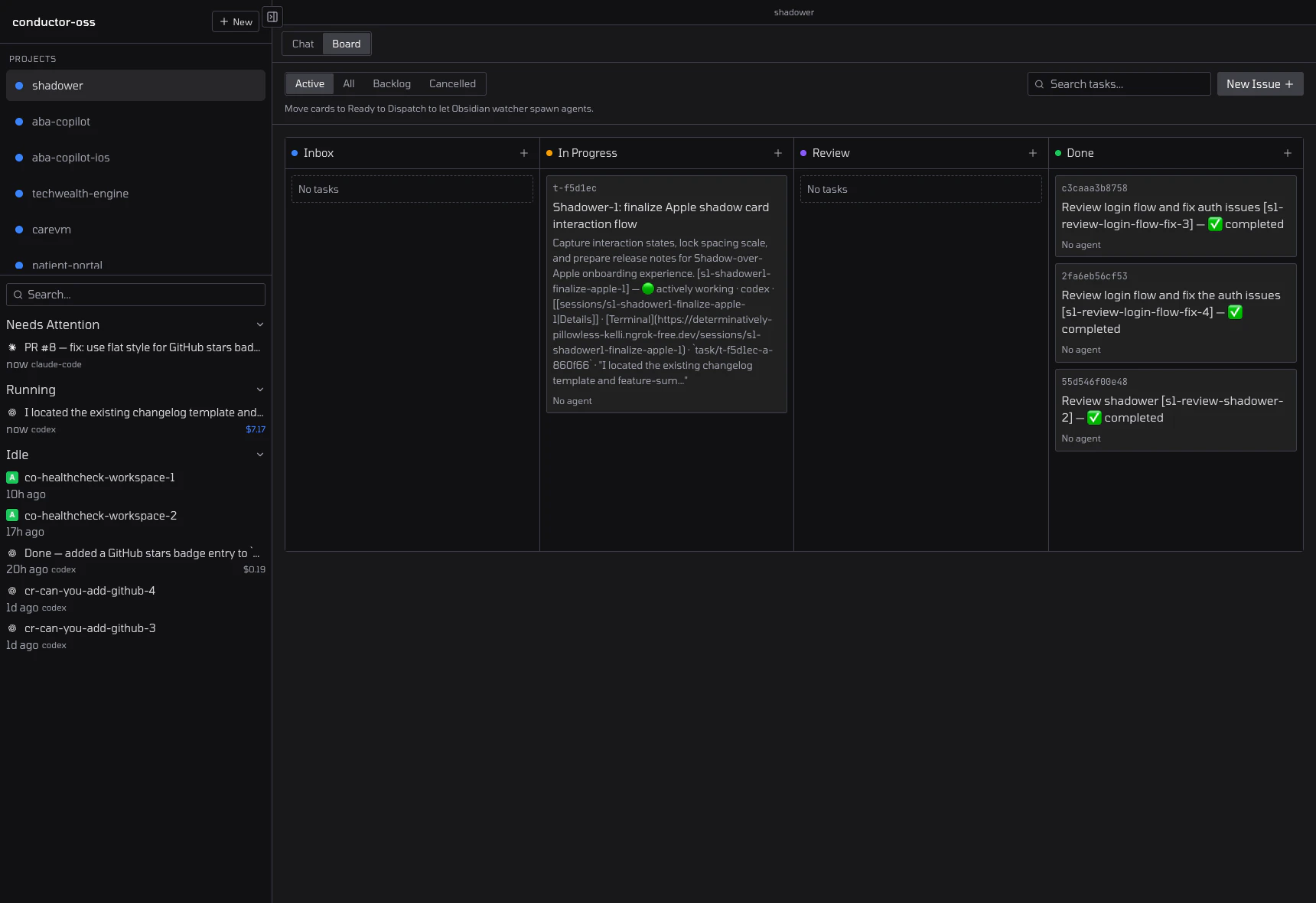
      <img src="https://mintcdn.com/autmallc/YTJjcaTZa2bpzHZ-/images/board.png?fit=max&auto=format&n=YTJjcaTZa2bpzHZ-&q=85&s=a8ca4e8840f929eae6c068eda21a4683" alt="Conductor board overview" width="1720" height="1180" data-path="images/board.png" />
    </div>
  </div>
</div>

It is built around four durable ideas:

* `CONDUCTOR.md` as the task surface
* repo-local `conductor.yaml` for project config
* isolated git worktrees and tmux sessions for execution
* a browser dashboard, CLI, MCP server, and webhook endpoints for control

<CardGroup cols={2}>
  <Card title="Workspaces" icon="layout-dashboard" href="/workspaces">
    Set up repositories, sessions, chat surfaces, changes, and review workflows around a real operational unit.
  </Card>

  <Card title="Agents" icon="bot" href="/agents">
    Pick the right coding agent per repository and standardize installation, aliases, authentication, and defaults.
  </Card>

  <Card title="Settings" icon="sliders-horizontal" href="/settings">
    Keep routing, MCP bindings, repository metadata, and task conventions explicit instead of hidden in UI state.
  </Card>

  <Card title="Integrations" icon="plug" href="/integrations">
    Connect Conductor to GitHub, MCP clients, editor workflows, notifications, and webhook-driven automation.
  </Card>
</CardGroup>

## Launch in three steps

<Steps>
  <Step title="Launch the local control plane">
    ```bash theme={null}
    npx --yes --registry=https://registry.npmjs.org conductor-oss@latest
    ```

    This opens the browser-first setup flow instead of forcing you through a manual init sequence.
  </Step>

  <Step title="Add the first workspace">
    Point Conductor at the real repository root, select the default agent, and let it write the repo-local files it needs.
  </Step>

  <Step title="Dispatch, review, and recover in one loop">
    Run the first task, inspect the session state, review the diff, and retry with targeted feedback if the first pass is not ready.
  </Step>
</Steps>

## What the docs cover

<CardGroup cols={2}>
  <Card title="Planning stays in the repo" icon="file-text">
    Conductor is not another hosted ticket layer. The board is markdown and the source of truth remains near the code.
  </Card>

  <Card title="Runtime state is visible" icon="activity">
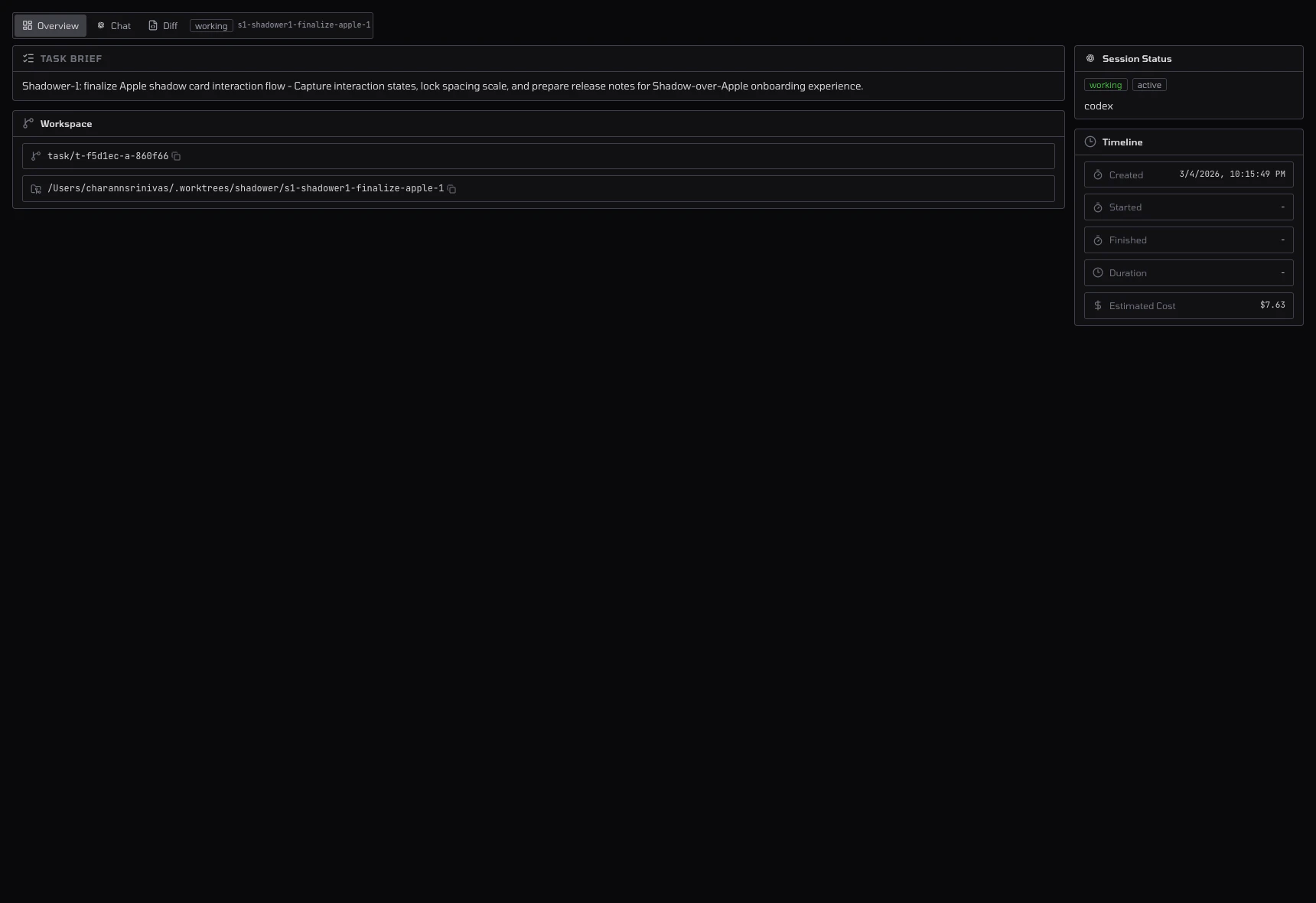
    Sessions, prompts, worktrees, and review state are part of the product surface, not invisible background machinery.
  </Card>

  <Card title="Review is first-class" icon="git-pull-request">
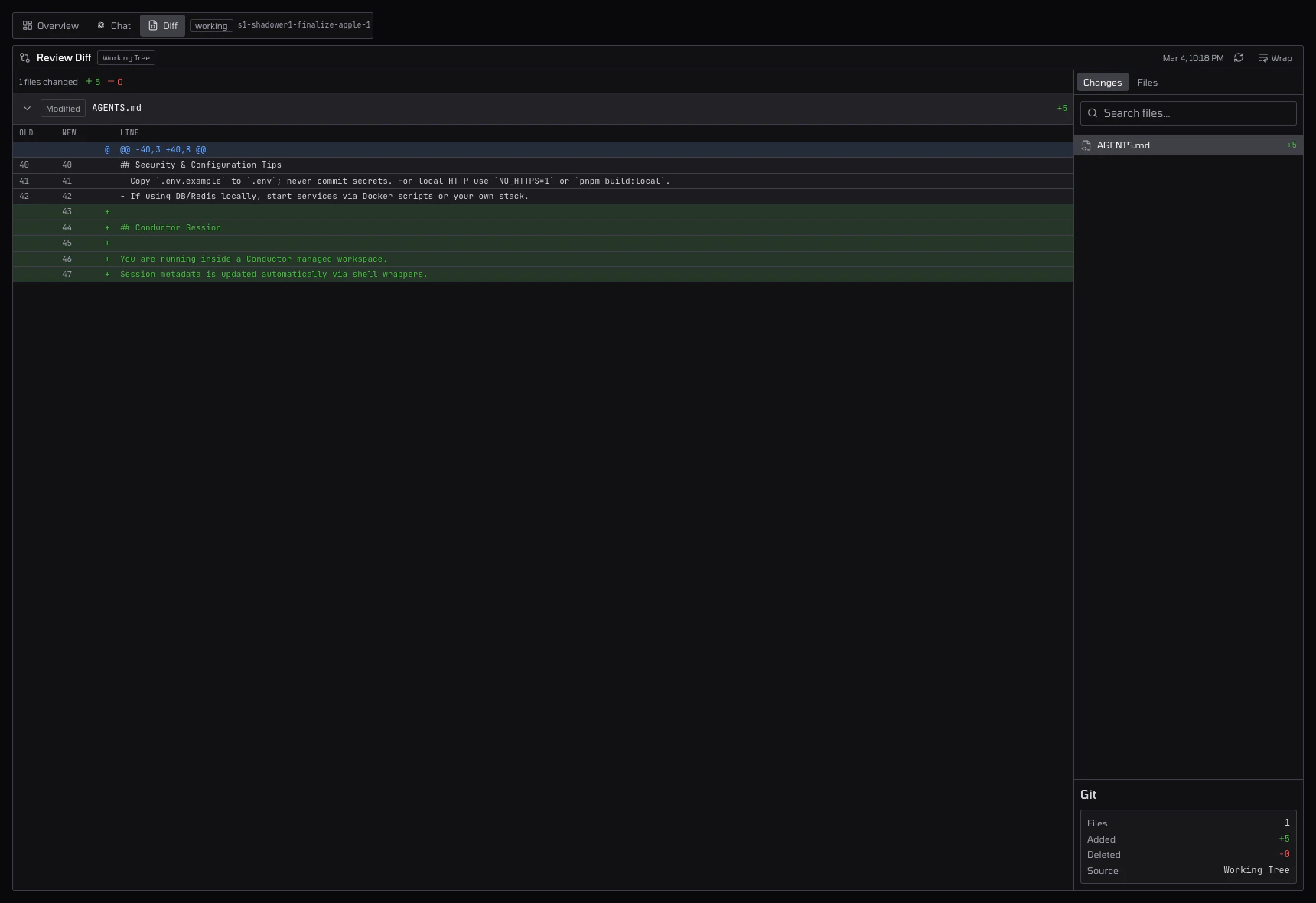
    Diff inspection, CI state, and handoff back to the agent are documented as part of the core workflow.
  </Card>

  <Card title="Self-hosting is real" icon="server">
    Local development, Docker deployment, and remote access are all documented as operational concerns, not hidden setup notes.
  </Card>
</CardGroup>

<div className="conductor-gallery">
  <div className="conductor-panel-grid">
    <div className="conductor-visual__frame">
      <img src="https://mintcdn.com/autmallc/YTJjcaTZa2bpzHZ-/images/session-overview.png?fit=max&auto=format&n=YTJjcaTZa2bpzHZ-&q=85&s=2738cd7bbf77c95e9f52a491a44a77fb" alt="Conductor session overview" width="1720" height="1180" data-path="images/session-overview.png" />
    </div>
  </div>

  <div className="conductor-panel-grid">
    <div className="conductor-visual__frame">
      <img src="https://mintcdn.com/autmallc/YTJjcaTZa2bpzHZ-/images/review-diff.png?fit=max&auto=format&n=YTJjcaTZa2bpzHZ-&q=85&s=ddb6645efb364b2fe630f2caa772c84d" alt="Conductor review diff view" width="1720" height="1180" data-path="images/review-diff.png" />
    </div>
  </div>
</div>

## Read this first

* [Getting Started](/getting-started)
* [Workspaces Overview](/workspaces)
* [Settings Overview](/settings)
* [Configuration Reference](/configuration)
* [Integrations Overview](/integrations)
* [MCP Server](/mcp-server)
* [Webhooks](/webhooks)
* [Reviewing Code](/reviewing-code)
* [Self-Hosting](/self-hosting)
* [Release Notes](/release-notes)